WhatsApp Business

Connect Your WhatsApp Business Number to Hostify and Enhance Communication with Your Guests

WhatsApp Business

Manage all your conversations directly from Hostify

Centralized Communication:

Centralized Communication:

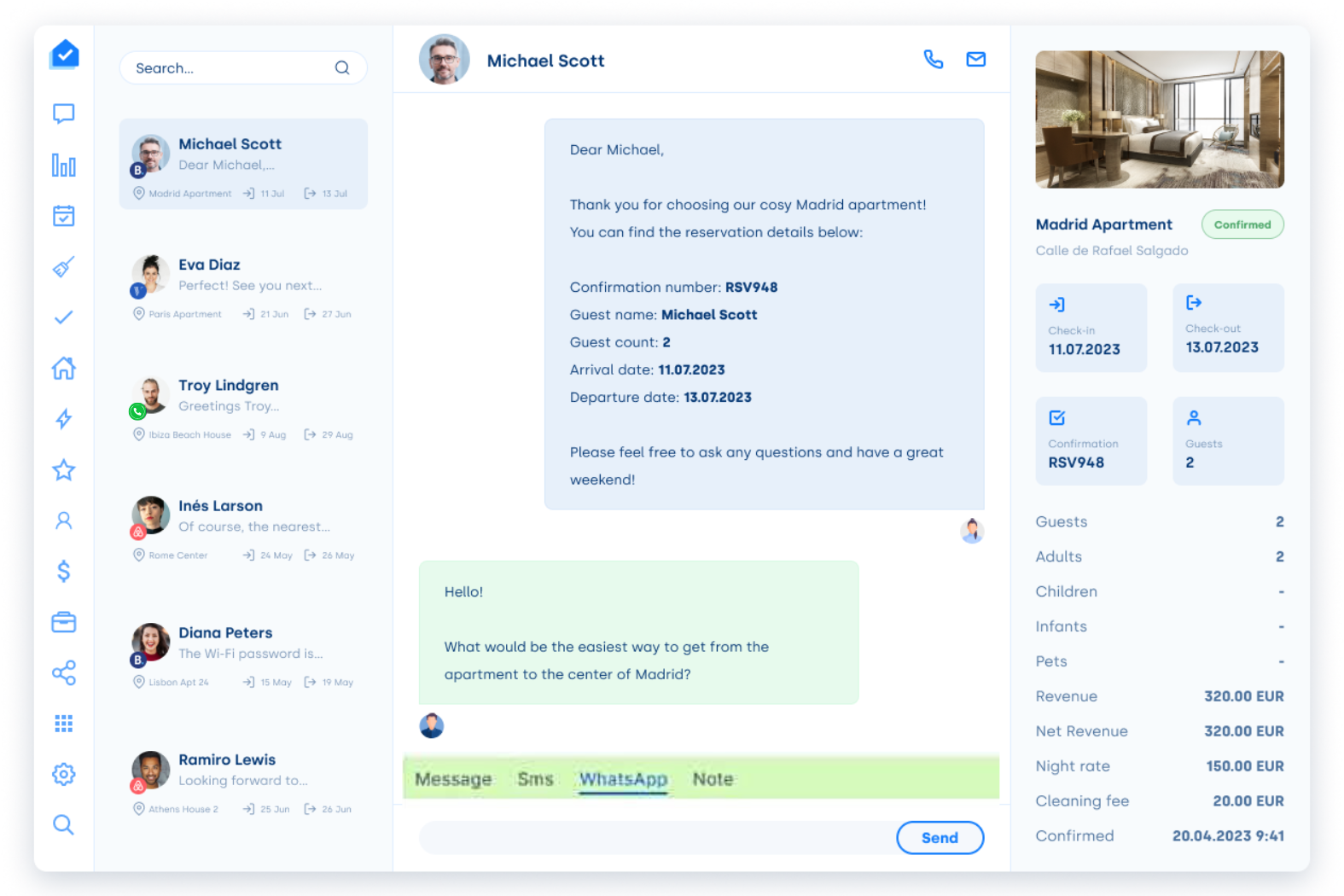
Easily manage all guest interactions without the hassle of switching between multiple apps. With WhatsApp Business integrated into Hostify, keep conversations organized and ensure a smooth, professional communication flow. You can even use your own business number and create a branded profile

Quick and Automated Responses:

Quick and Automated Responses:

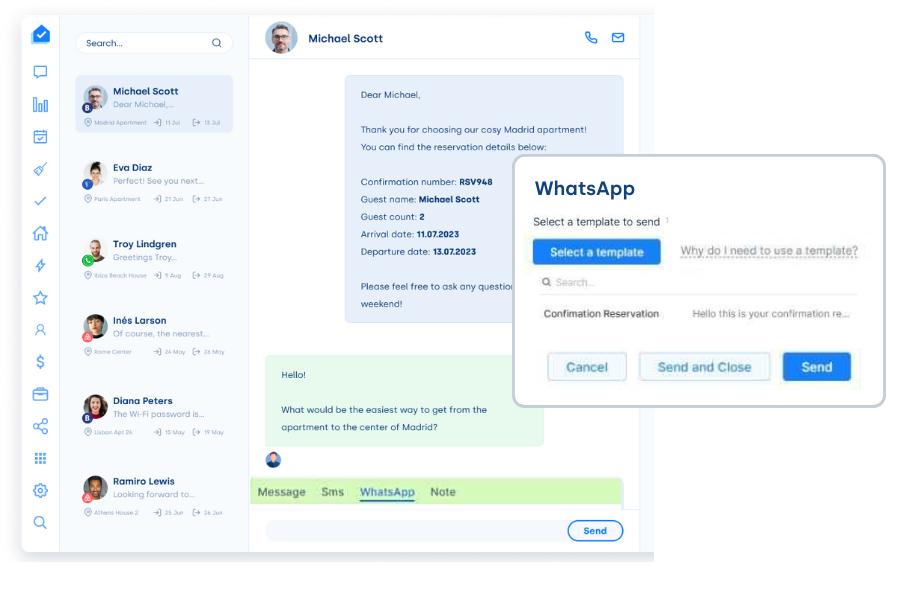
Save time and improve responsiveness by setting up customized message templates for frequently asked questions. Automate replies to provide instant assistance, ensuring a smoother and more efficient communication flow while enhancing the overall guest experience.

Better User Experience:

Better User Experience:

Connect your WhatsApp Business number to Hostify and offer guests a more convenient and familiar way to reach you. Using your official company name instead of a generic shared number, guests will instantly recognize your brand and trust your communication. Provide prompt support, maintain personalized interactions, and create a welcoming experience that makes guests feel valued. The business profile can be verified, displaying a green checkmark.

Increased Efficiency:

Increased Efficiency:

Reduce response times, stay organized, and handle multiple conversations effortlessly—all while boosting productivity and enhancing customer satisfaction. Additionally, our integration ensures full compliance with data privacy regulations, including GDPR, so your business can operate with peace of mind.

How to Connect WhatsApp Business to Hostify – Quick Guide

  • Activate the integration in Hostify under Apps > WhatsApp and connect with Facebook.
  • Authorize Hostify on Facebook to manage your WhatsApp Business account.
  • Set up your Meta Business account and create or select your WhatsApp Business account.
  • Add and verify your phone number.
  • Confirm the connection and review the permissions.
  • Add a payment method in Meta Business Manager.
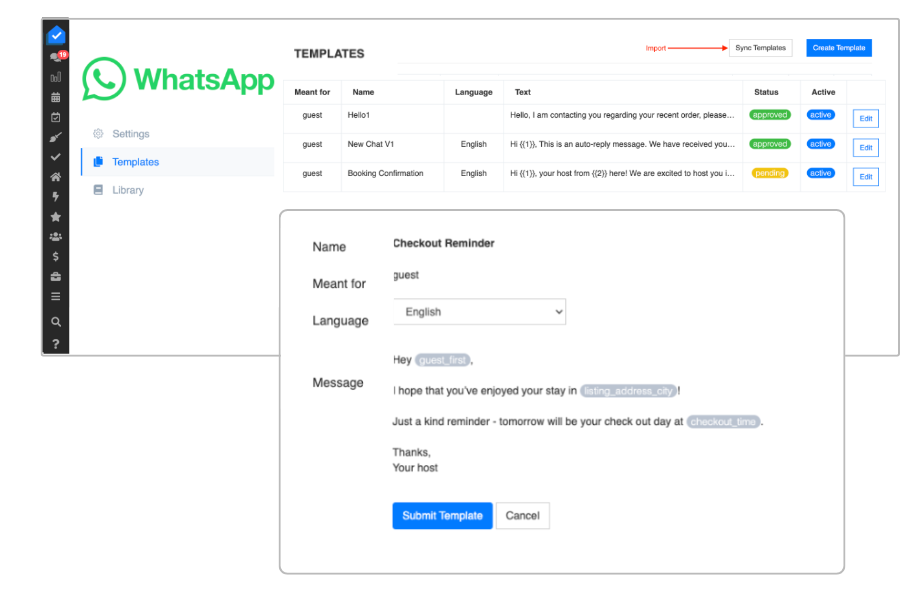
  • Create or import Meta-approved message templates.
  • Verify your business if necessary.
  • Done! Simplify and streamline your booking management like never before by using WhatsApp Business directly through Hostify.

Ready to start engaging with your customers directly through WhatsApp?

Book a demo

See Why Our Customers Love Hostify

TuSereno, SpainTuSereno, SpainJose Huescar, Co-founder
Since bringing Hostify on board, our efficiency and productivity have soared thanks to its advanced automation features. We've been able to customize and streamline our workflows like never before. Hostify's top-notch customer service quickly handles any issues, ensuring a seamless and positive user experience. In short, Hostify has been a game-changer for our growth and success, enhancing our customer interactions and making our daily operations a breeze.
GetApp ratingVRMACapterra rating

Get started with Hostify

Please select the option, which best applies to you: