Table of Contents
Property management dashboards have become a must-have tool for modern vacation rental businesses. Research from the University of Nairobi shows that today’s property managers handle far more than just collecting rent and paying bills. Their duties now include insurance, tax handling, maintenance coordination, and customer relationship management. A centralized vacation rental dashboard helps you manage all of these responsibilities without the usual chaos.
The study highlights that information technology adoption in real estate started gaining traction in the early 2000s. Since then, property management software has proliferated significantly. These tools make it easier to collect and analyze data, allowing managers to make real-time decisions. A property management dashboard gives you that same power, turning raw numbers into clear insights about your portfolio’s health.
The role of property managers has been completely transformed over the last decade, the old days of manual tracking are gone. Today, successful managers rely on integrated platforms to handle everything from maintenance requests to guest communication. With a vacation rental dashboard, you can see what’s happening across all your properties instantly, instead of digging through emails and spreadsheets.
The bottom line is simple. Real estate e-commerce platforms need to deliver clarity and efficiency to stay competitive. A dashboard does exactly that by centralizing your occupancy rates, rental income, and maintenance activity. According to the study, systems that improve service delivery lead to better results. Whether you manage five units or fifty, the right vacation rental dashboard helps you work smarter and make faster, better decisions.
What Is a Property Management Dashboard?
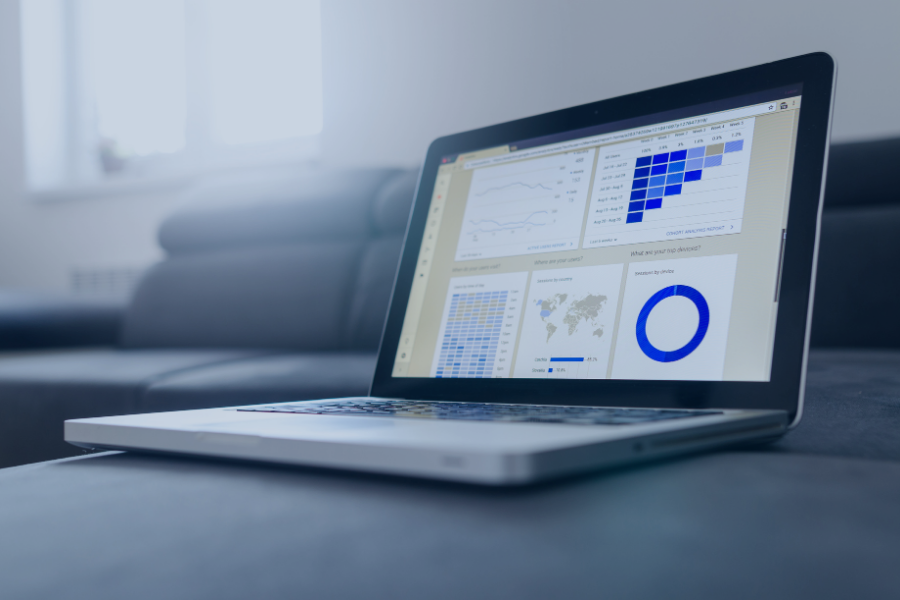
A property management dashboard is simply a single screen that shows you the most important numbers for your rental business. Instead of logging into five different tools or flipping through spreadsheets, you see everything in one place. It pulls together data like occupancy, rental income, maintenance requests, and upcoming bookings. For short-term rental hosts, this means less time hunting for information and more time acting on it.
Property managers, hosts, and even property owners use these dashboards daily. The University of Nairobi study found that modern managers handle duties far beyond collecting rent, including insurance, tax coordination, and maintenance oversight. A dashboard helps them stay on top of all that without feeling overwhelmed. The difference between a spreadsheet and a live dashboard is simple: spreadsheets are static and outdated as soon as you close them. A live rental dashboard updates automatically, showing you what’s happening right now.
Typically, these dashboards display key metrics such as:
- Occupancy rates and vacancy trends
- Rental income collected versus expected
- Open maintenance requests and resolution times
- Upcoming check-ins and check-outs
- Financial reports and expense tracking
Why a Real-Time Dashboard Matters
Having real-time visibility isn’t just a nice-to-have. It prevents costly mistakes and keeps your operations running smoothly. The research on e-commerce in real estate shows that technology adoption often fails when users don’t see immediate value. A vacation rental dashboard delivers that value by showing you changes as they happen. You’re not making decisions based on last week’s outdated numbers.
Here’s why real-time data matters for your daily operations:
- Faster decision making: Adjust pricing instantly when you see demand dropping.
- Avoiding missed bookings: Spot double-bookings or availability gaps before they become problems.
- Monitoring occupancy: See which properties are underperforming and act quickly.
- Identifying problems immediately: Catch maintenance issues or guest complaints before they escalate.
- Improving operational coordination: Keep your cleaning and maintenance teams aligned with real-time schedules.
The study also highlights that perceived ease of use drives technology adoption. A real-time property management dashboard is easy to understand and immediately useful. You can track your occupancy rates, review analytics on guest behavior, and monitor key metrics without being a data expert. For hosts using a vacation rental dashboard, this means less stress and more control over your business performance.
What to Track on Your Dashboard
Not every metric deserves the same attention. A good property management dashboard focuses on actionable information, not just data overload. The goal is to highlight what actually needs your attention right now. The research on real estate reporting shows that users value KPIs that help them spot irregularities quickly and understand overall performance with just a few clicks. A cluttered dashboard with too many numbers becomes useless. Instead, you want clear signals that tell you where to act.
The study from LAB University confirms that key figures must be tailored to different user needs. Property managers need operational details like upcoming turnovers and maintenance tasks. Asset managers focus more on financial performance and portfolio trends. A vacation rental dashboard should let you customize what you see based on your role. This way, you’re not wasting time scrolling past irrelevant data. You see the metrics that actually drive your daily decisions.
Occupancy and Booking Pace
Tracking occupancy trends is one of the most important things you can do with your property management dashboard. The LAB University study identifies occupancy and vacancy rates as among the most valuable KPIs for real estate professionals. Without this visibility, you’re essentially guessing about your business health. A good rental dashboard shows you these numbers instantly.
Your dashboard should help you answer these questions at a glance:
- Occupancy rate today: What percentage of your units are filled right now?
- Booking pace: Are future reservations coming in faster or slower than last month?
- Available nights: How many open dates do you have in the next 30, 60, or 90 days?
- Future reservations: What does your booking calendar look like for the coming weeks?
- Slow periods: Which weeks or months are consistently underperforming?
Practical scenario: Imagine you manage 10 vacation rentals. Your dashboard shows that occupancy for July is only at 55%, compared to 78% last year. You spot this trend early and run a promotion for last-minute bookings. Within a week, you fill 8 of those empty nights. Without the dashboard, you would have noticed the problem too late.
Revenue and ADR
Revenue tracking is non-negotiable for any property management dashboard. The LAB University research confirms that rental income and NOI are critical financial KPIs for real estate decision-making. Without clear visibility into your revenue, you can’t make smart decisions about pricing or property improvements. A solid vacation rental dashboard shows you these numbers in real time.
Key revenue metrics to monitor:
| Metric | What It Tells You |
| Revenue | Total income from all properties over a specific period |
| ADR (Average Daily Rate) | Your average price per booked night |
| RevPAR (Revenue Per Available Room) | Revenue generated per available unit, regardless of occupancy |
Beyond the numbers, your dashboard should help you:
- Compare revenue across different properties to find your top performers
- Spot which units are underperforming and investigate why
- Track revenue trends month-over-month and year-over-year
- Identify your most profitable properties and replicate their strategies
Practical scenario: You have three similar cabins. Your property management dashboard shows that Cabin A generates 30% more revenue than Cabin B, even though they’re identical. You dig into the analytics and discover Cabin A has better photos and more positive reviews. You update Cabin B’s listing and see revenue improve within 30 days. Your reports helped you pinpoint exactly where to focus your efforts.
Upcoming Check-Ins and Check-Outs
Your property management dashboard should highlight what’s happening today and tomorrow. Upcoming arrivals, departures, and same-day turnovers are critical for operational planning. Without a clear view of your bookings, you risk double-bookings, missed cleanings, and unhappy guests. A good vacation rental dashboard prevents these headaches.
Here’s what a clean dashboard should show you about upcoming activity:
- Today’s arrivals: Guests checking in and their estimated arrival times
- Today’s departures: Guests checking out and any special notes
- Same-day turnovers: Units that need cleaning between checkout and check-in
- Guest status: Special requests, late check-outs, or early arrivals
Practical scenario: It’s 9:00 AM on a Saturday. Your vacation rental dashboard shows three check-outs and three check-ins today. Two of the units are same-day turnovers. You see that your cleaning team has already been assigned to both. The dashboard also flags one guest who requested an early check-in at 1:00 PM. You message the cleaning team to prioritize that unit. Everything runs smoothly because you saw the full picture in one place.
Outstanding Tasks and Cleanings
Housekeeping and maintenance are the backbone of any rental business. Your property management dashboard should show you all pending operational tasks in one place. The research confirms that property managers coordinate maintenance, oversee service providers, and ensure properties are guest-ready. A good dashboard helps you manage all of this without dropping the ball.
Your property management dashboard should track:
- Housekeeping: Which units need cleaning today and who is assigned
- Maintenance: Open repair requests and their priority level
- Inspections: Properties that need quality checks before guest arrival
- Team assignments: Who is responsible for each task and their status
Practical scenario: You manage 8 vacation rentals. Your dashboard shows three pending cleaning tasks for today. One of them is flagged as urgent because the guest arrives in 3 hours. You see that the assigned cleaner is already on another property nearby. You reassign the urgent task to a different team member through the dashboard. The unit gets cleaned on time, and the guest arrives to a spotless property. Without this visibility, you would have had a very unhappy guest and a bad review.
Want to streamline your operations even further? Learn how to reduce admin work for Airbnb hosts with property management software and free up more time for what matters.
Managing a Whole Portfolio from One View
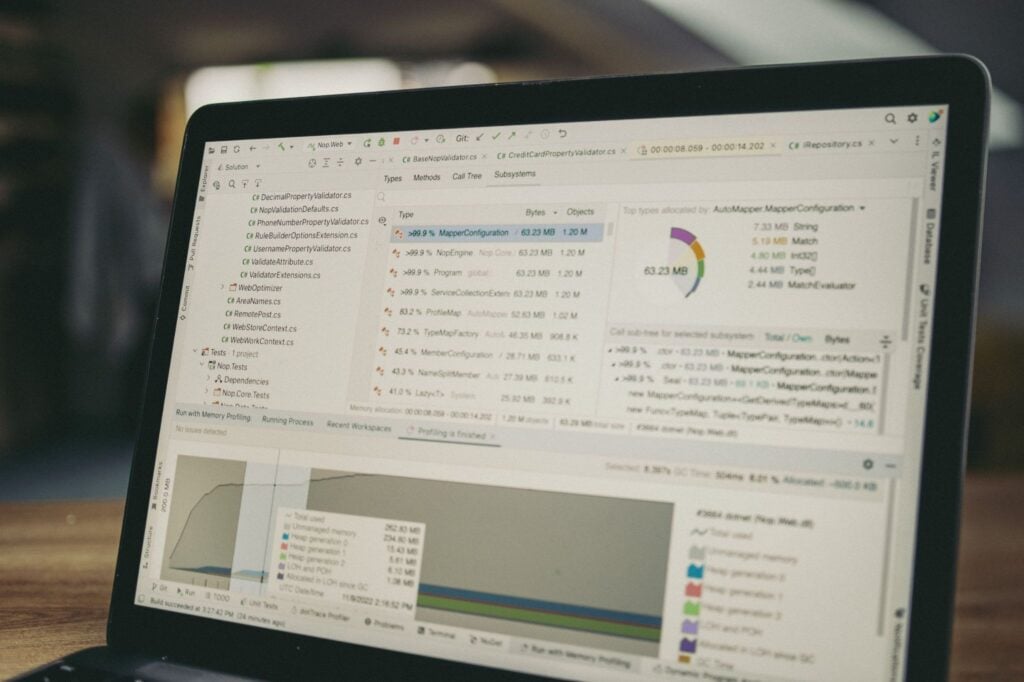
Once you go beyond a handful of properties, managing everything manually becomes a nightmare. A vacation rental dashboard gives you a bird’s-eye view of your entire portfolio. Instead of logging into multiple platforms, you see everything in one place. This is what property management software is designed to do, centralize data so you can actually manage growth.
A strong dashboard helps you:
- Filter properties: Group by location, type, or performance tags.
- Compare performance: See which properties are winning and which are lagging.
- Monitor occupancy across locations: Spot regional trends instantly.
- Identify underperforming listings: Flag properties where revenue or occupancy falls below average.
- Manage an entire portfolio: Handle accounting, maintenance, and guest communication from one place.
The research confirms that property managers using centralized dashboards make faster decisions. Instead of hunting for data, you have key metrics and reports in one view. That’s the real power, turning scattered information into a clear picture of your business health.
From Data to Decisions
A dashboard is useless if it just shows numbers. The real value comes from turning those numbers into actions. Top managers don’t just track data; they use it to make better decisions every day. With the right KPIs and analytics, you can understand exactly what’s happening across your portfolio. The challenge is knowing which metrics actually matter.
Here’s how dashboards help you act on data:
- Adjust pricing based on occupancy and ADR trends. Learn more about how to optimise Airbnb pricing using property management software.
- Reallocate cleaning staff to where they’re needed most.
- Spot occupancy trends early and run promotions before it’s too late.
- Forecast revenue using historical data and AI predictions.
- Plan investments by identifying which properties generate the best returns.
The shift from raw data to actionable insight is what separates successful operators from the rest. A good dashboard doesn’t just show numbers; it tells you what to do next.
Inside the Hostify Dashboard
Hostify brings everything you need into one place: bookings, occupancy, revenue, tasks, and guest activity. No more juggling multiple tools. We’re not just a property management dashboard that shows data. We’re an all-in-one platform that helps you act on it.
Here’s how Hostify centralizes your operations:
- Bookings: Sync reservations from Airbnb, Booking.com, Vrbo, and 400+ channels in real time.
- Occupancy: See your entire portfolio at a glance with our Multi-Calendar.
- Revenue: Track income across properties without manual calculations.
- Reports: Generate performance insights with just a few clicks.
- Upcoming tasks: Manage cleanings and maintenance from one system.
- Guest activity: Monitor all messages across platforms in our Unified Inbox.
Managing vacation rentals shouldn’t feel like chaos. Hostify automates repetitive tasks, reduces errors, and helps you focus on growing your business.
Ready to simplify your operations? Book a demo today and see how Hostify handles your specific needs, from channel management to automations to reporting.
“`htmlFrequently Asked Questions
Your dashboard should show occupancy rates, revenue, upcoming bookings, and pending tasks at a glance.
It should also highlight maintenance requests and guest activity. A good dashboard focuses on what needs your attention right now, not everything possible.
The LAB University research confirms that users value KPIs that help them spot irregularities quickly. Keep it actionable, not cluttered.
It depends on your portfolio size. If you manage 1-5 properties, checking once a day is usually enough.
For 10+ properties, check multiple times daily, especially for same-day turnovers and urgent guest messages.
Weekly and monthly reviews are better for analyzing trends and financial performance. The key is using your dashboard for daily operations and reports for deeper analysis.
Yes. A good dashboard centralizes all your listings, bookings, and operational data in one place.
You can see occupancy across properties, compare performance, and spot underperformers instantly.
The research shows that property managers using centralized dashboards make faster decisions. Instead of logging into each platform separately, you get a complete view of your entire portfolio.
No. A live dashboard is for day-to-day monitoring, showing what’s happening right now.
Reports are for historical analysis, financial reviews, and strategic planning. The dashboard shows you problems in real time, while reports help you understand long-term trends and make investment decisions.
Both are essential, but they serve different purposes. Use your dashboard for operations and reports for strategy.